
Design · Installation · Service
Home Networking & Wi-Fi In Tarrytown
We install and troubleshoot home networks in Tarrytown, Austin. We assess the internet connection, wiring, and Wi-Fi coverage, then plan the equipment for the rooms and outdoor spaces you use.
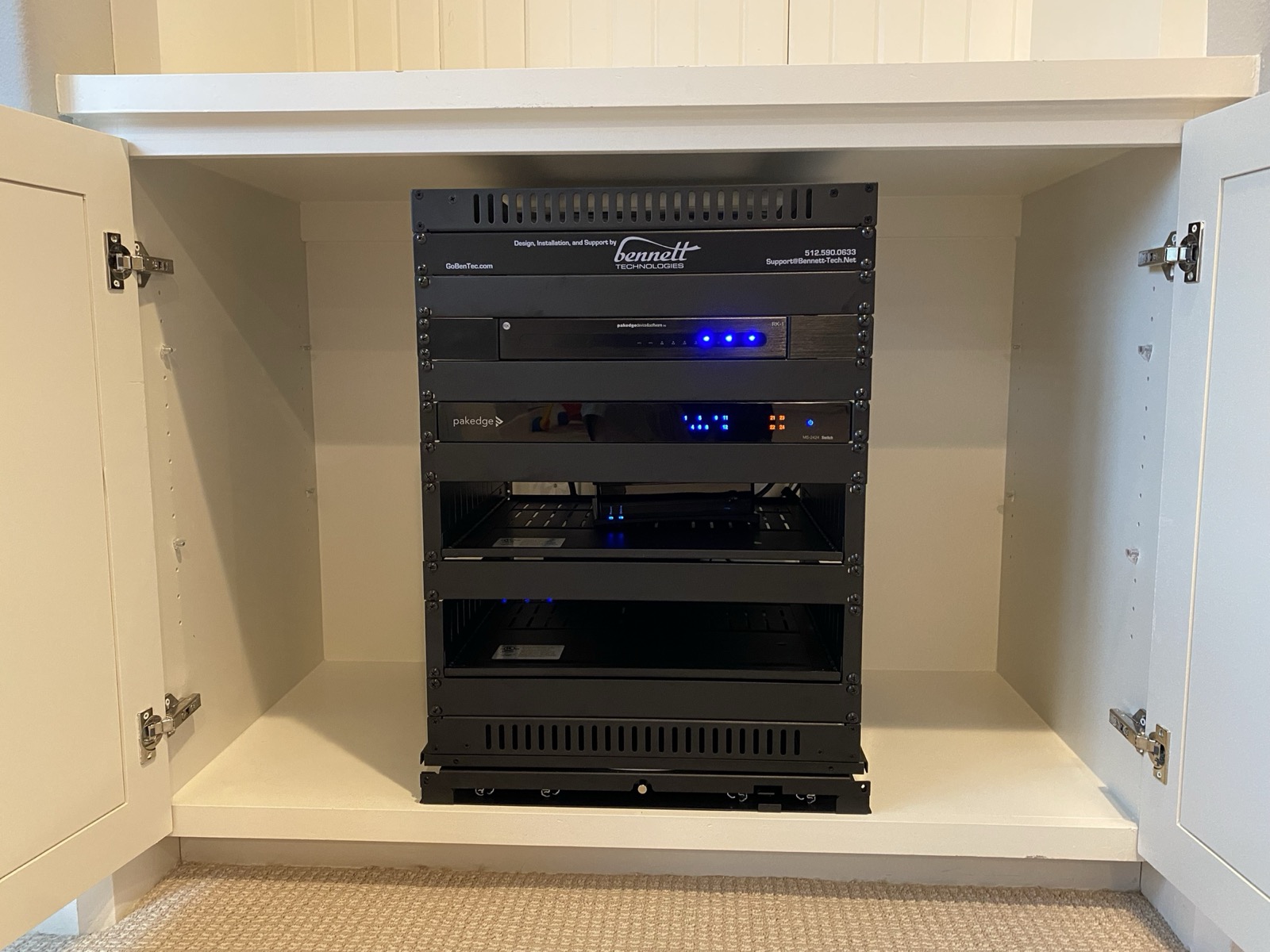
A network installation from our project portfolio
Our Tarrytown Project
Connecting a House + Pavilion
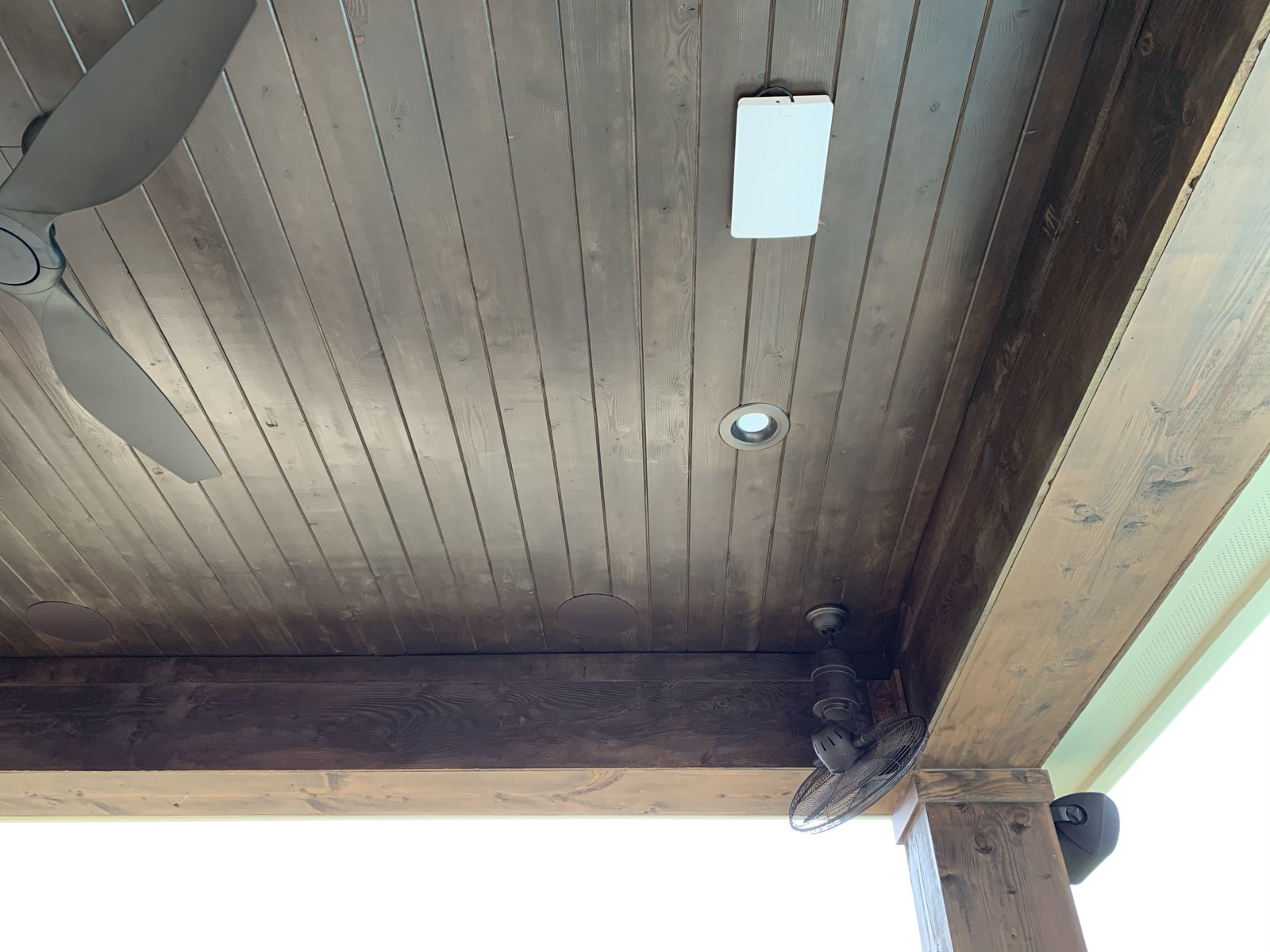
Our Tarrytown project includes a separate entertainment pavilion across the pool from the main house. We installed the pavilion network and an outdoor access point to extend coverage between the buildings and the space outside.
- Equipment
- The network gear shares a dedicated closet rack with the pavilion audio and video equipment.
- Coverage
- An outdoor access point supports the area between the main house and pavilion.
- Connected AV
- The network supports the pavilion's audio/video systems and controls.
Scope & Options
Planning Wi-Fi Coverage
A fast internet plan and a strong Wi-Fi signal address different parts of the connection. We review how service enters your home, where equipment sits, and how devices connect before recommending changes.
Access Point Placement
We choose locations around the floor plan, building materials, and device load. A patio or detached room gets its own assessment.
Wired Equipment
We review cable access for TVs, streamers, computers, and access points. Existing runs may be reusable after inspection and testing.
Connection Problems
We check the provider equipment, router, switches, cabling, and wireless coverage to identify where the connection needs attention.
The Process
From Assessment to Setup
-
01
Review the Connection
We look at your internet service, current equipment, and the places where devices struggle to connect.
-
02
Plan Coverage
We map access points and wired connections, with a scope and equipment proposal for the work.
-
03
Install & Configure
We install the agreed equipment, configure the network, and connect the devices included in the scope.
-
04
Check the Spaces
We test connections in the areas covered by the plan and explain how the system is organized.
Questions, Answered
Common Questions
Can you fix Wi-Fi without replacing everything?
Yes. We assess the router, access points, switches, and wiring before recommending replacements. A useful existing cable run or suitable piece of equipment can stay.
Can you extend Wi-Fi to a patio or detached building?
We assess the distance, construction, cable routes, and available equipment locations. Our Tarrytown pavilion project included an outdoor access point. The connection method for your property depends on the site assessment.
Will a new network make my internet plan faster?
Your provider's service sets the available internet connection. The home network determines how devices use it. We check both so the recommendation addresses the source of the problem.
Can you work on a network another company installed?
Yes. We review the existing setup and available account access, document what we find, and discuss the proposed work with you.
How much does network installation or troubleshooting cost?
Service calls carry a minimum charge. Equipment, cabling access, and the scope of the changes affect the cost. Larger installations receive a detailed, room-by-room proposal before you commit.
Keep Exploring
Related Services
Tarrytown
Audio, Video & Home Technology
See the local project and choose another service for your home.
Service Guide
Networking & Wi-Fi
Explore network design and installation across our service area.
Related Local Service
Structured Wiring
Plan the cabling and equipment space that support the network.
Plan Your Installation or Service Visit
Schedule a Consultation
Tell us where connections drop, which spaces need coverage, and what equipment you already have. We will assess the setup and recommend the work.