In-Wall Network Enclosures
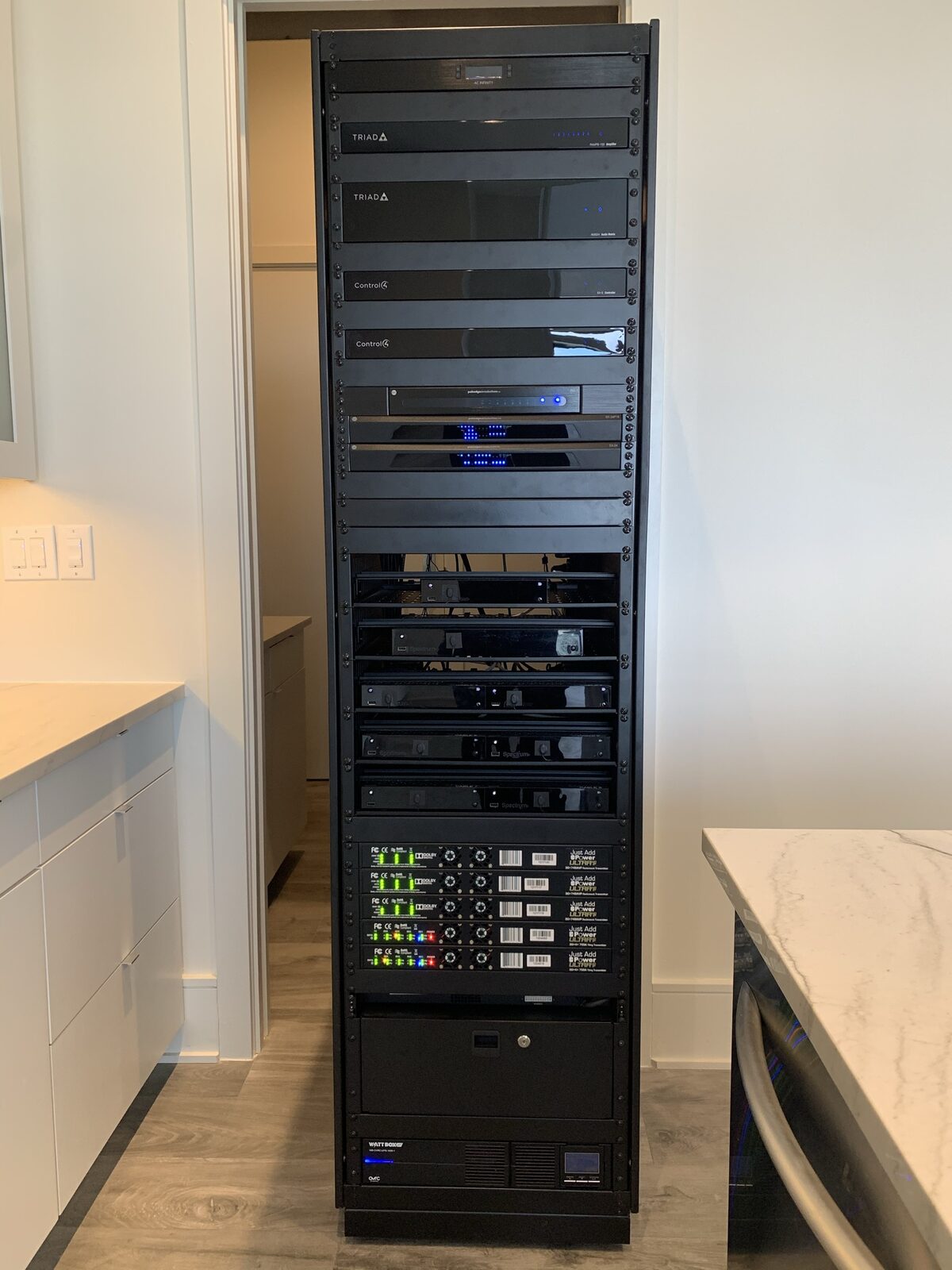
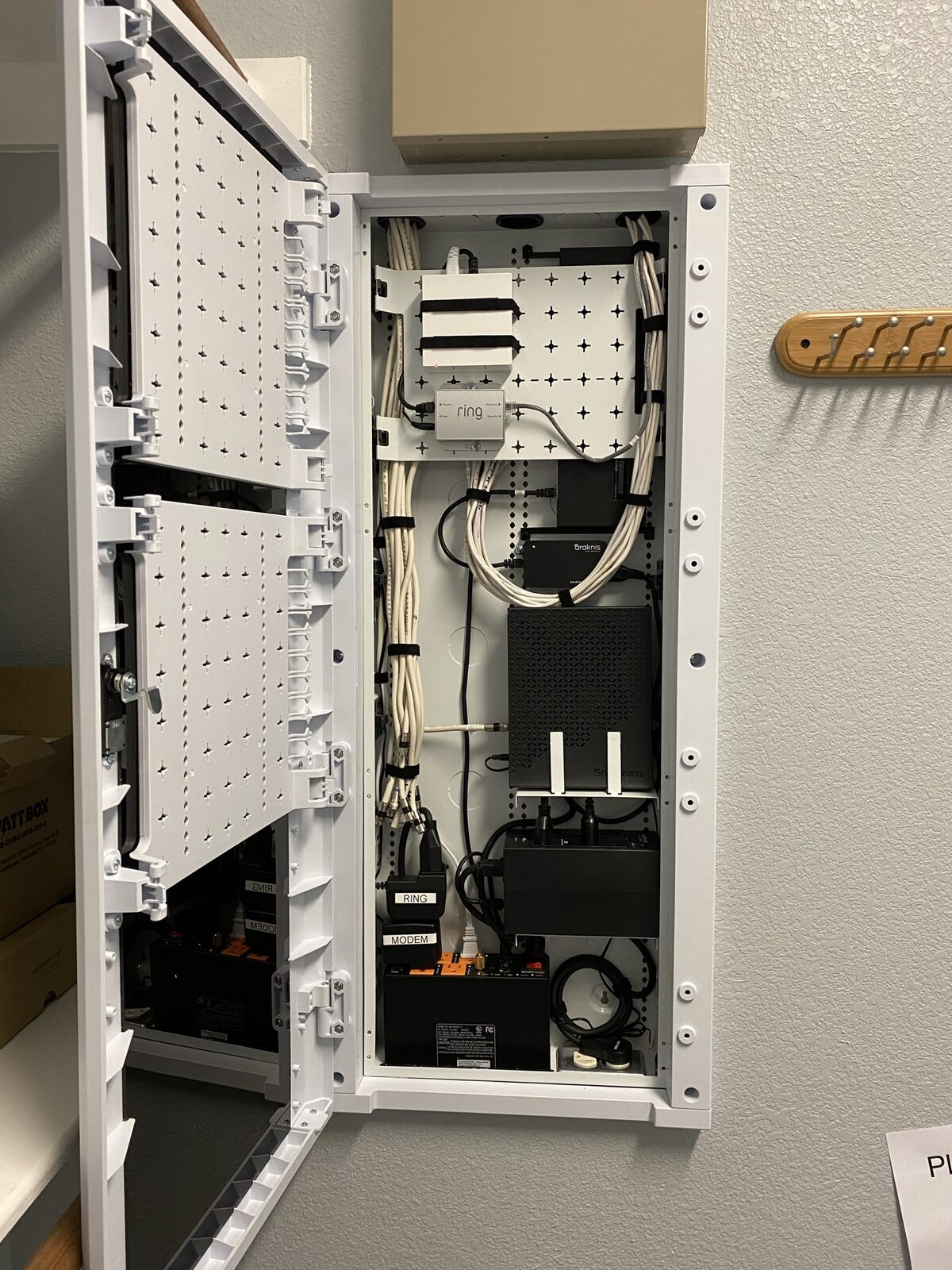
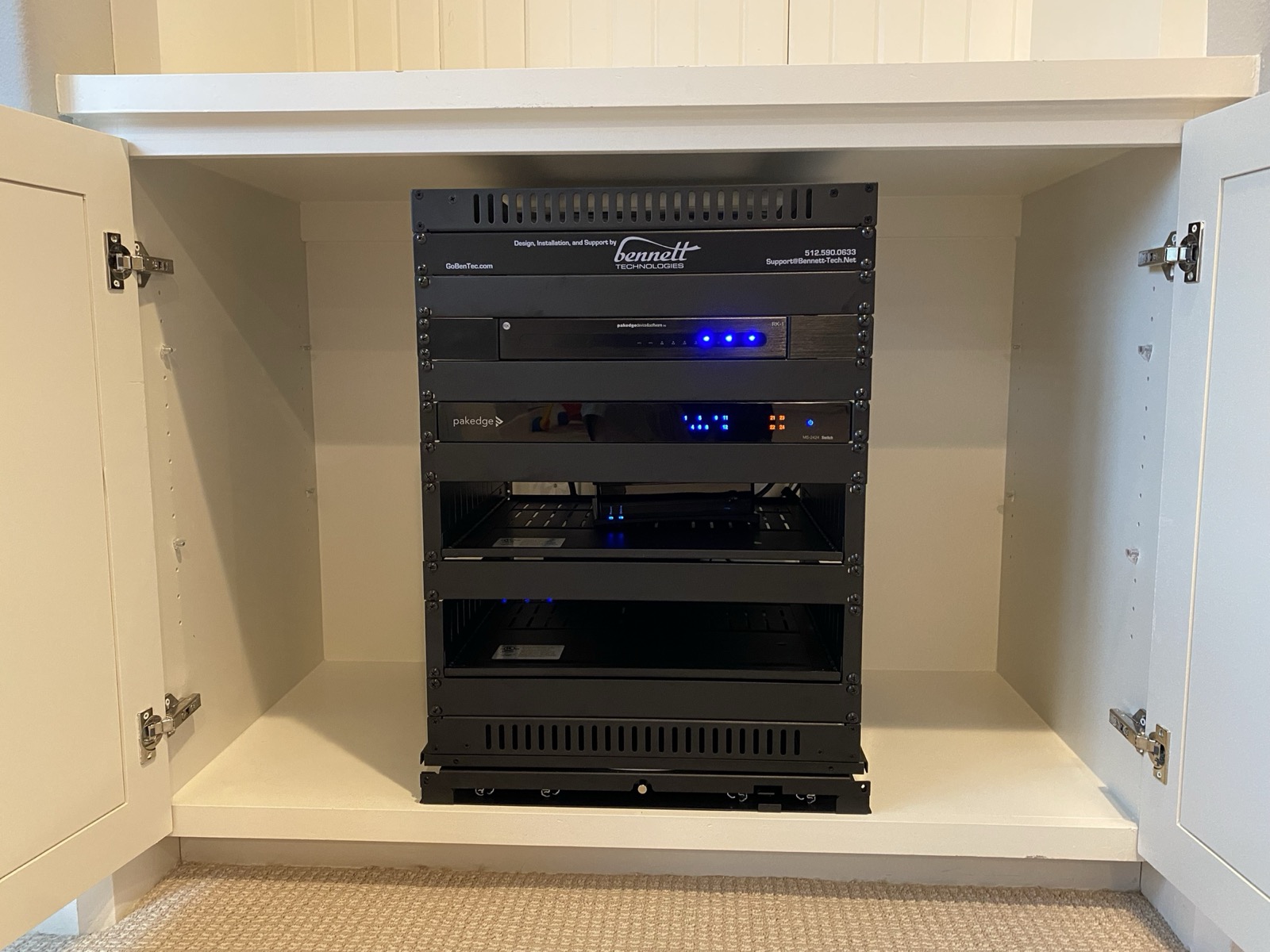
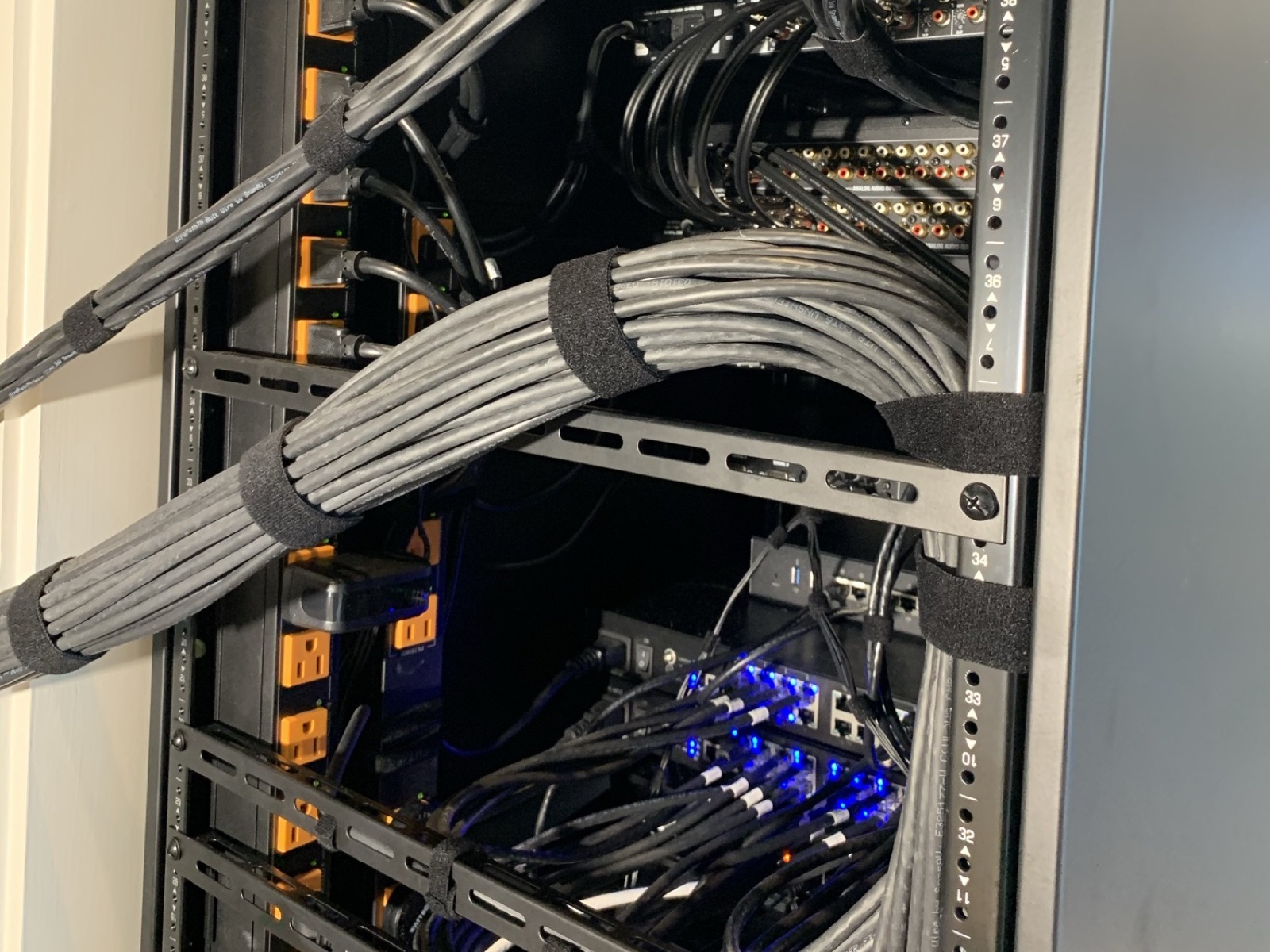
All five layers in one in-wall enclosure: service equipment, router, switch, and every home run.
In-Wall Enclosure
Services · The Foundation
One smart device or three hundred, it all begins the same way: with a wired-first network, engineered for performance and built to stay reliable for years.
★★★★★ 4.9 · 34 Google reviews
"The owner and team members of Bennett Technologies were professional and full of great information about how to improve our WiFi coverage and how to correctly use and install all our tech equipment. They were always on time and cleaned up after their installations."
Elizabeth De La Garza · Google review
The Foundation
The network is the single most important foundation in a connected home, no matter how much or how little technology you add on top of it. Every other system rides on that backbone, so it should never be the afterthought it usually is.
From Cedar Park new builds to Spanish Oaks estates, we engineer that backbone first. The result is a home that simply works, every day, for years.
Why ISP Gear Falls Short
COVID taught the average homeowner a hard lesson: the equipment handed over by an internet provider was never built to run a whole household.
A single provider gateway can't blanket a real house. Dead zones, dropped video calls, and a patio with no signal are symptoms of relying on one box to do a whole home's job.
When work, school, and streaming all run at once, fragile equipment and an all-wireless home show their limits fast. A purely Wi-Fi-connected house is one interference source away from a bad day.
Wired-First
Wi-Fi should sit on top of a proper wired network: a robust router and a core managed switch, connected to your provider's modem or ONT. Here's why the wire wins.
Wired Backbone
Wireless Alone
Not every device is built for a wired connection, especially wireless smart-home gear, and that's fine. But the more we connect by wire, the higher-performing and more reliable the entire system becomes.
The Anatomy
Five layers, engineered to work as one, from where your service enters to the Wi-Fi that fills every room.
Where your internet service enters the home: a fiber ONT, cable modem, or Starlink satellite, depending on your provider.
The gateway that routes traffic, enforces security, and keeps every connection fast under load.
The heart of the network. Every cable home-runs back here for dedicated, full-duplex performance.
Copper and fiber run directly to each endpoint, wired wherever performance matters most.
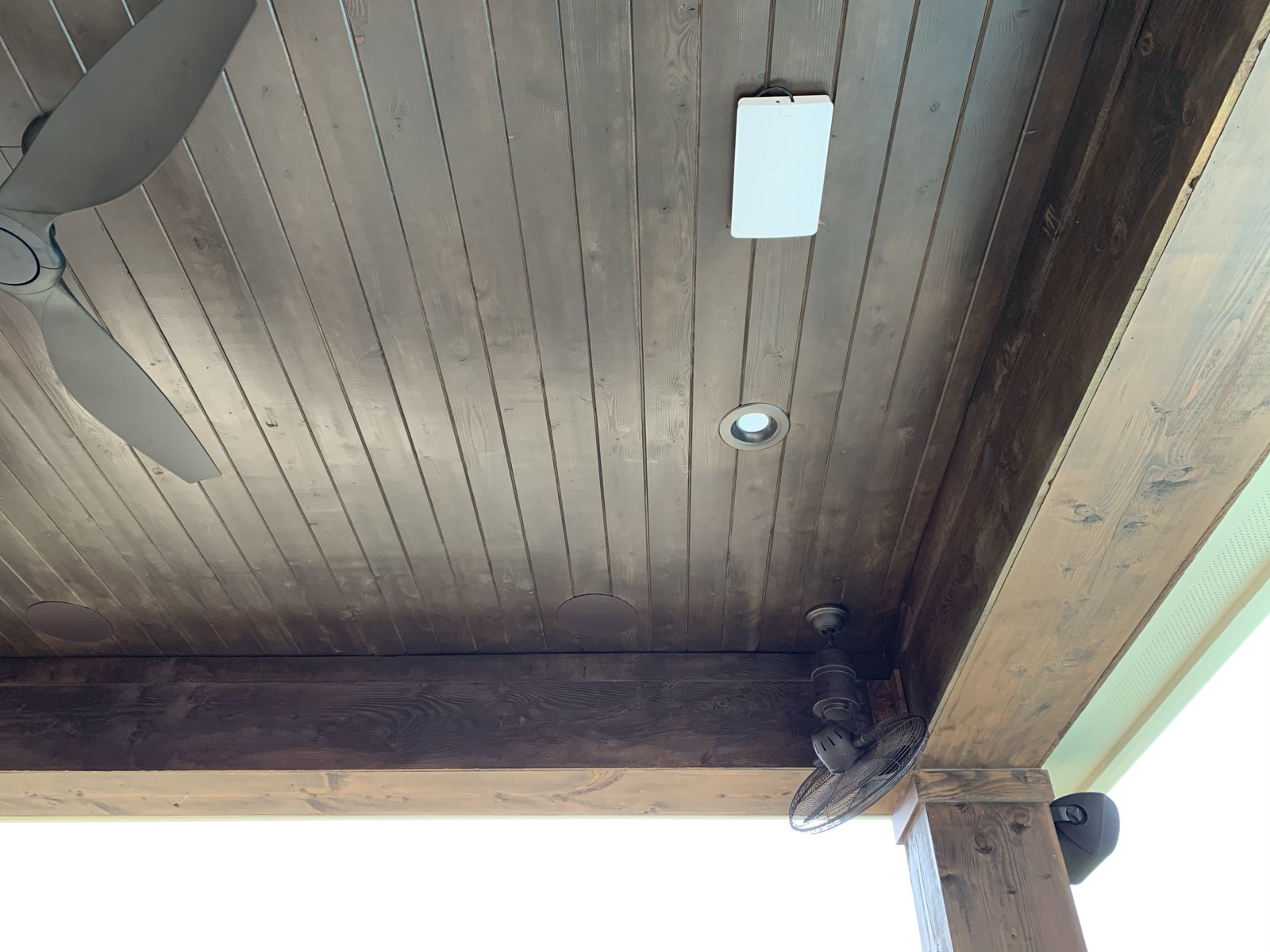
The wireless layer on a wired backbone. Ruckus is our highest-performing choice, with more cost-effective options available too.
All five layers in one in-wall enclosure: service equipment, router, switch, and every home run.
In-Wall Enclosure
One Network or Many
A network can be a single flat design, or it can be split into multiple segments called VLANs that either talk to each other or stay isolated. Each approach has its place, and we use them deliberately.
A bandwidth-heavy video network can run on its own segment so it never bogs down the rest of the home, while the main network still reaches it on demand. The same approach keeps control traffic and VoIP phone service clean, responsive, and out of each other's way.
Isolated for bandwidth, so high-traffic streams stay off the main network and remain accessible when you need them.
An app on your main Wi-Fi can reach the control system on its own VLAN, without the two interfering.
Voice traffic on a dedicated segment stays crisp and reliable, no matter what else is happening on the network.
Our Process
Every network is engineered around one home. Here's how we get it right before a cable is pulled.
We start with your provider and how their service is delivered. Some carriers, AT&T among them, restrict true bridge mode, so we engineer around those limits from day one.
Many homes already have wiring run to a central demarcation point. Properly run "phone lines" can often be re-tasked and terminated as network cabling, which saves cost without cutting corners.
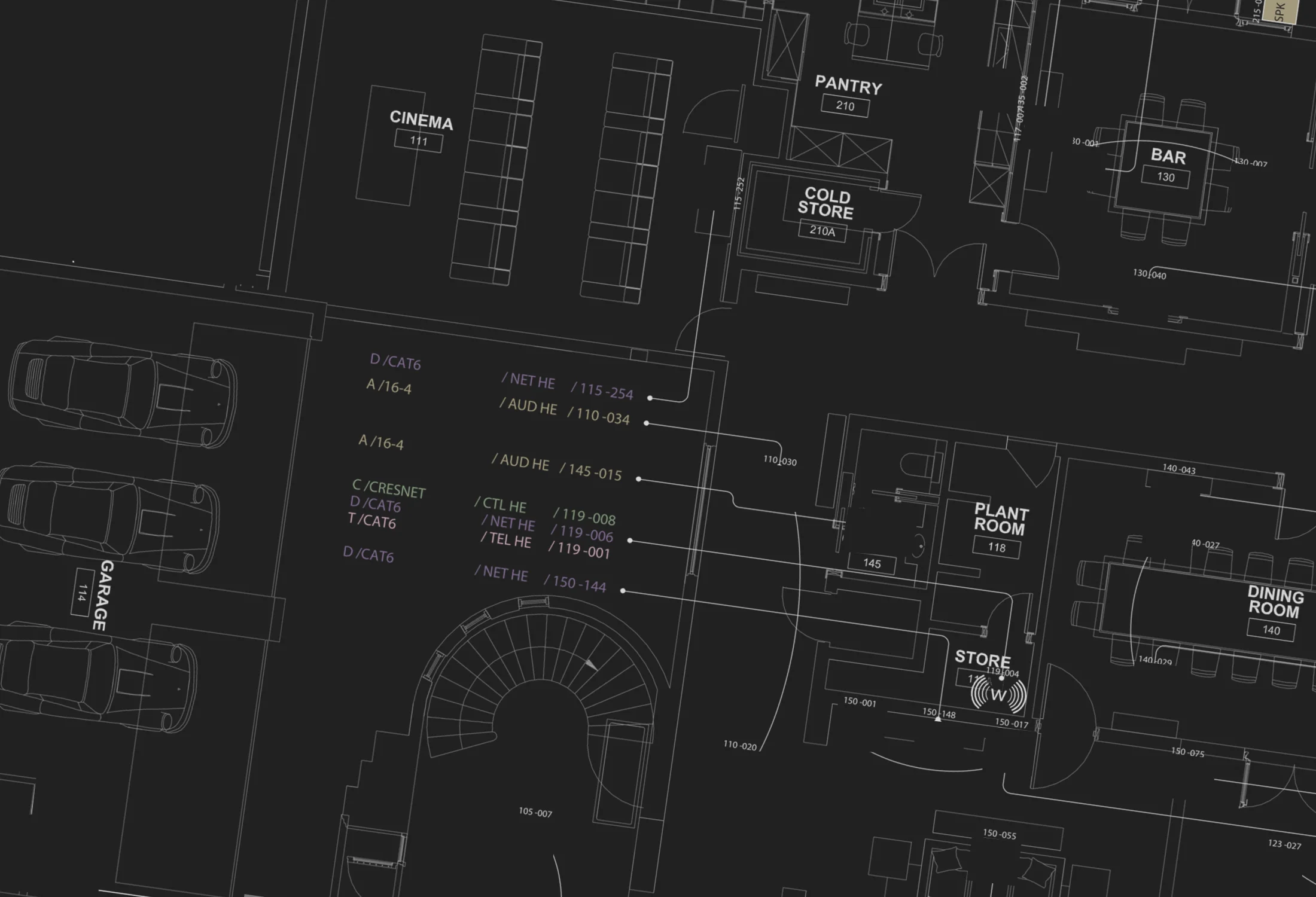
Retrofit or new build, we map how to get the right amount of cable to each endpoint, with every run home-running back to the core switch wherever the structure allows.
We account for every device, wired and wireless. The number of devices that must be served wirelessly is a real constraint on access-point choice, so we size the Wi-Fi to the home and everything living in it.
You get a complete plan covering wiring, equipment, and a clear implementation roadmap, all documented before a single cable is pulled.
How We Work
01
A conversation and a walkthrough. We learn how you use your spaces and what a win looks like for you.
02
A documented plan: equipment, wiring, and budget, agreed on paper before anything is installed.
03
Certified technicians run the wire, mount the gear, and program the system to the approved design.
04
Remote monitoring and a real person to call. We service systems for years, including ones we did not install.
Three Decades Deep
We were networking homes when that meant Token Ring, then early Ethernet: coax cable with BNC connectors and terminators on each end, years before the category cabling that runs today's networks. We've worked with every Wi-Fi standard since the technology first entered everyday life.
For founder Michael Bennett, it started as a lifelong obsession with computers and networking, long before it became a business in 1996. Three decades later, that depth is engineered into every home we wire.
CEDIA Certified · Control4 Certified · Lutron PRO Silver
Questions, Answered
Not always. In retrofits we assess what can be run cleanly and often re-task existing wiring back to the demarcation point. In new builds and remodels, we have the freedom to put the right cabling exactly where it needs to go.
Wi-Fi is a shared medium. Devices compete for the same airtime and contend with interference, so reliability drops as the home fills with devices. A wired backbone gives each connection its own dedicated path. Wi-Fi belongs on top of that foundation.
Often, yes. Many homes had cabling properly run to a central location that can be re-terminated for networking. We evaluate what exists before proposing anything new.
They are grades of network cable. Cat5e, which many homes are already wired with, is perfectly fine for most homes and reaches speeds beyond gigabit. Cat6 is our preference for new and retrofit wiring, and it is rated for 10-gigabit networking. Most homeowners will never need more than a 1-gigabit network, so there is no reason to overpay for the higher wiring standards you are unlikely to ever use.
Many IoT devices are wireless-only, and that's fine. But the more we connect by wire, the higher-performing and more reliable the whole system becomes, so we wire everything that supports it and let Wi-Fi handle the rest.
It does. Service delivery and equipment vary by carrier, and some, like AT&T, limit true modem-only or bridge mode. We design the network around your provider so those limits never become your problem.
Keep Exploring
The Foundation
Every access point, camera, and TV starts as a cable in the wall. See how we plan the runs and qualify each one with a printed test report.
Control & Automation
Once the network holds steady, one system can run the lights, shades, music, and video from a single app.
Audio & Video
Streaming to six rooms at once is a network job first. Hear what a properly fed audio system sounds like.
Ready to Build the Foundation?
From Cedar Park to the hill country, we design the wired-first backbone your whole home depends on. Schedule a no-obligation consultation.